
Scheduling
Scheduling that runs itself.
Everything you need to plan, publish and adjust the schedule — in one place your whole team can rely on.
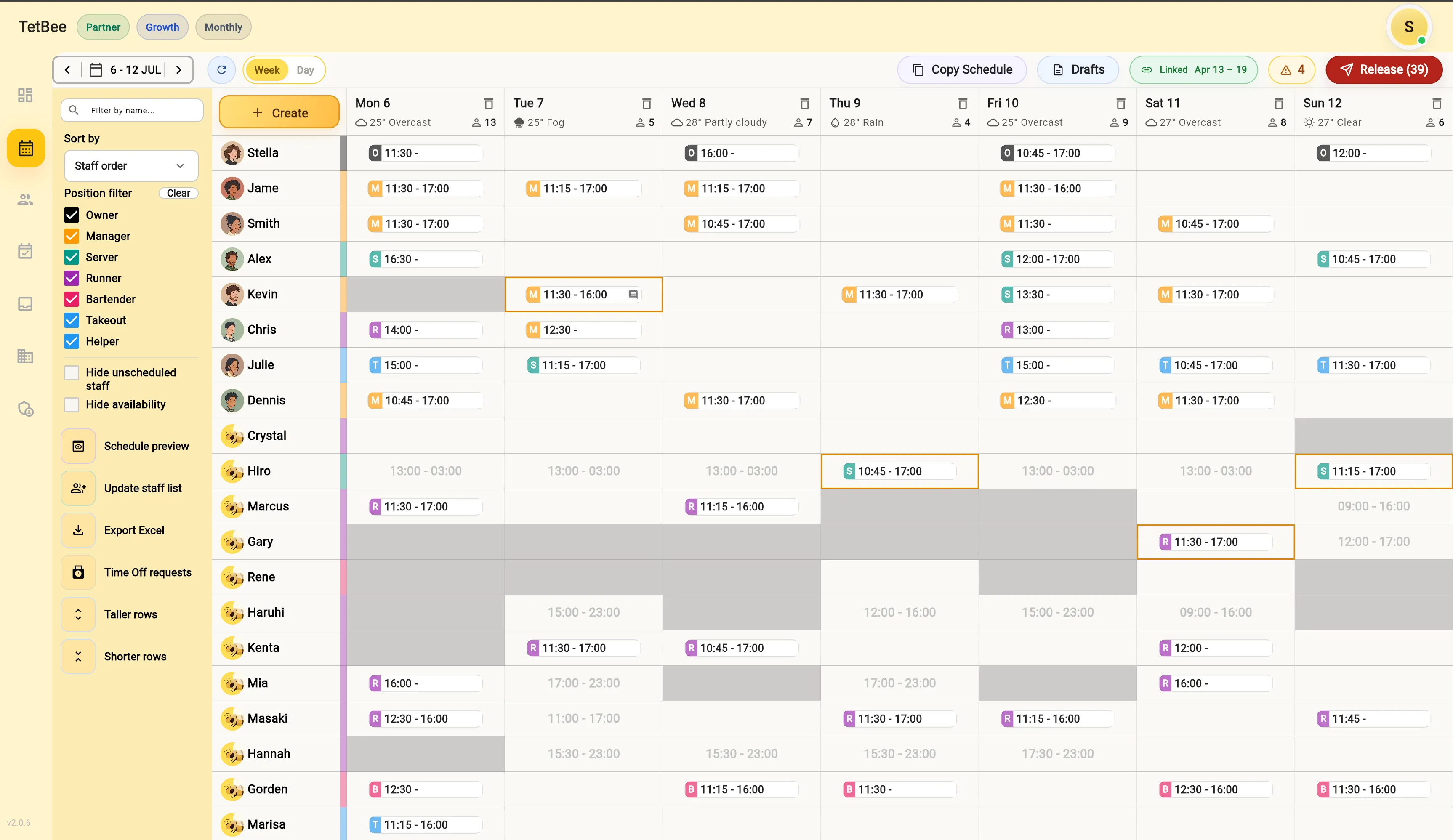
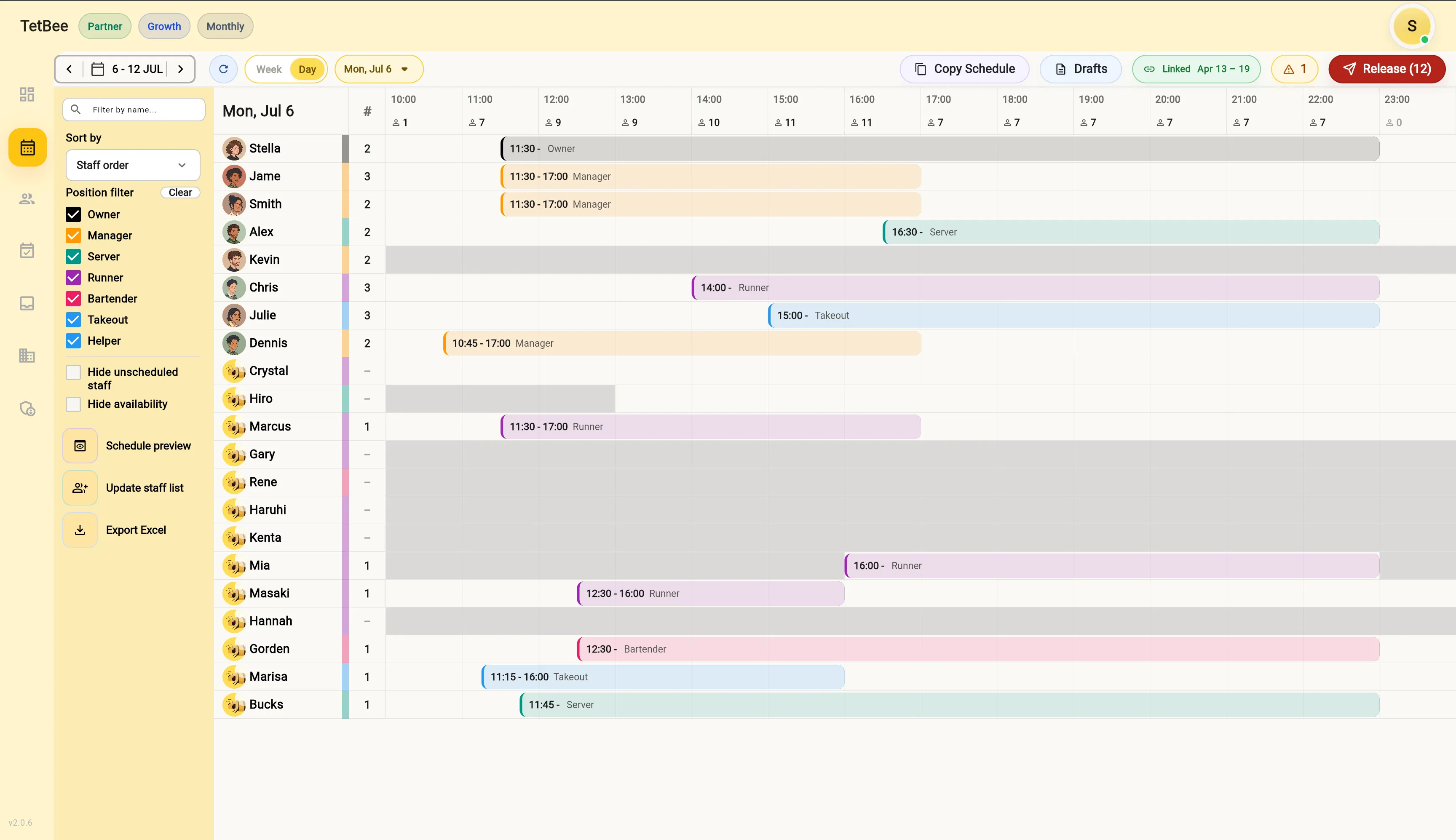
Smart schedule table
Your whole week,
in one smart table.
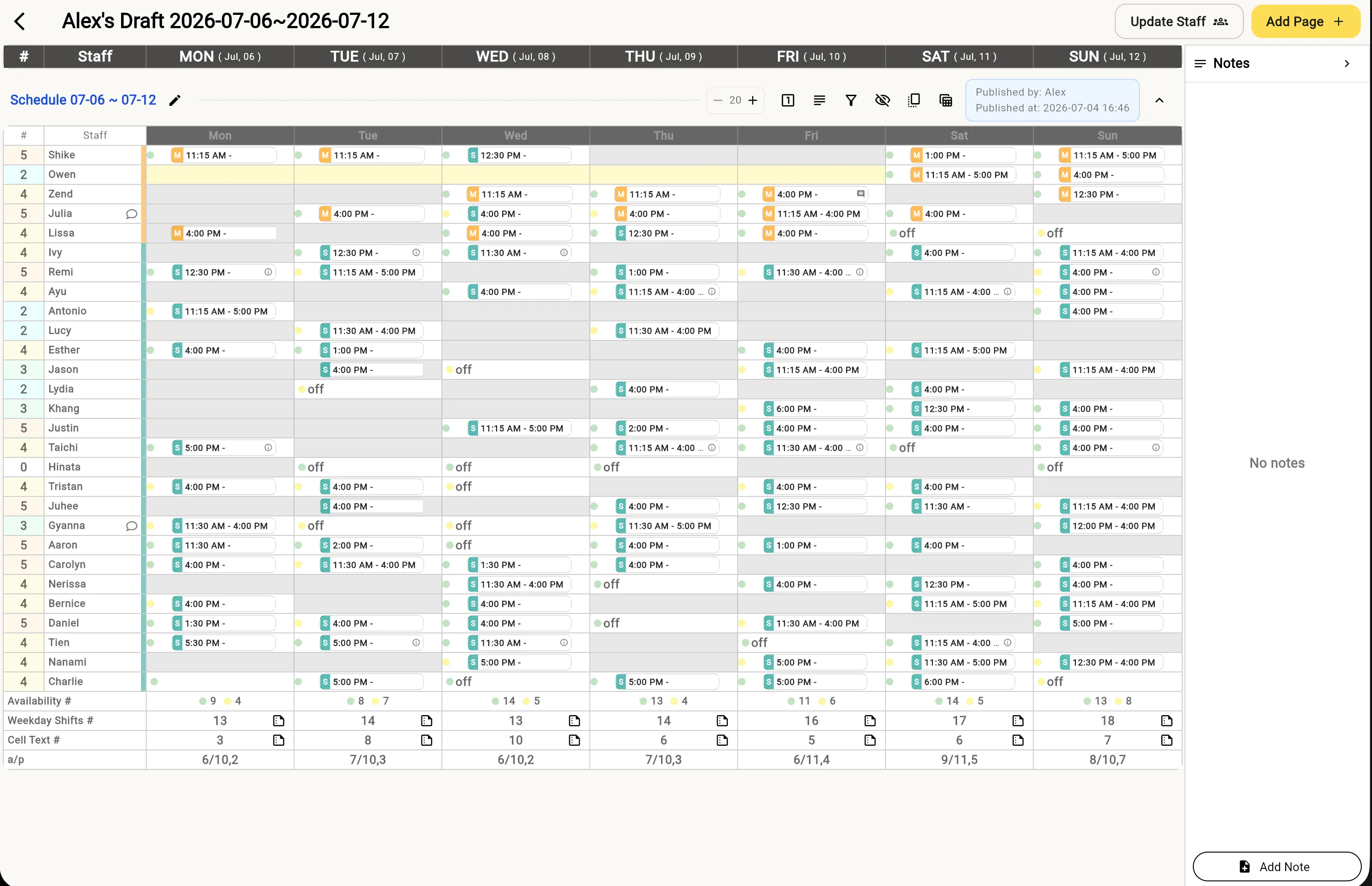
See availability, time-off, weekly and daily schedules, Excel export and conflict warnings — every detail at a glance. Manage the entire schedule efficiently from one powerful overview.
Collect availability
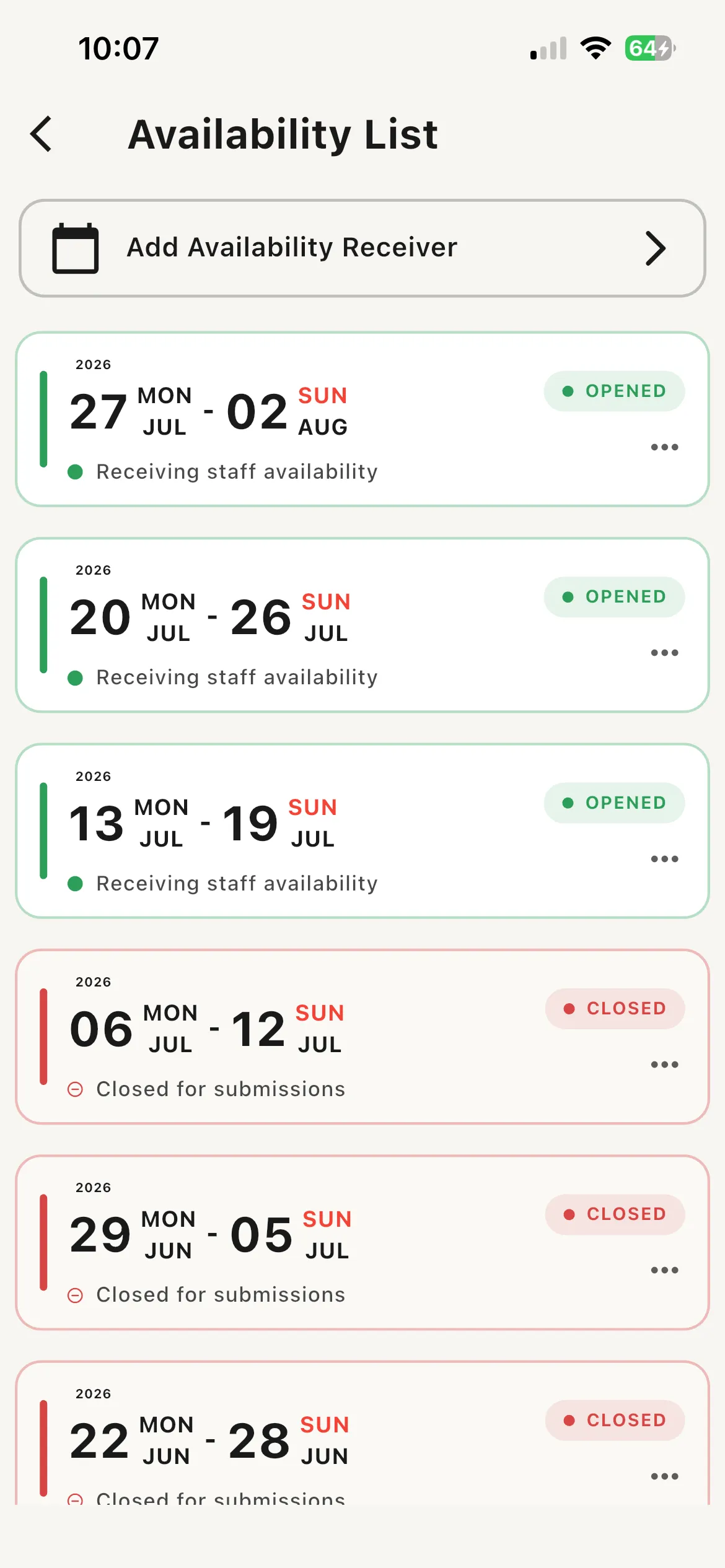
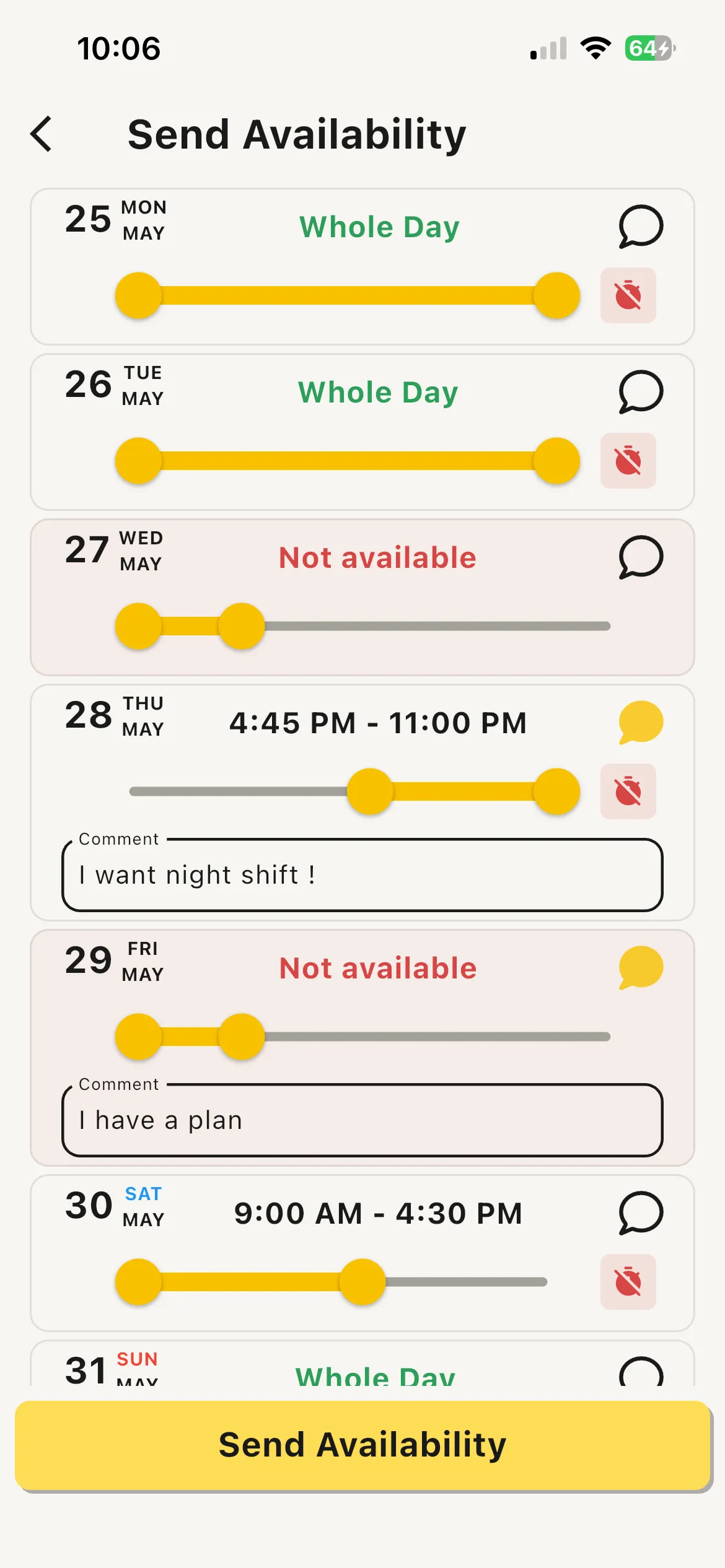
Collect availability,
the effortless way.
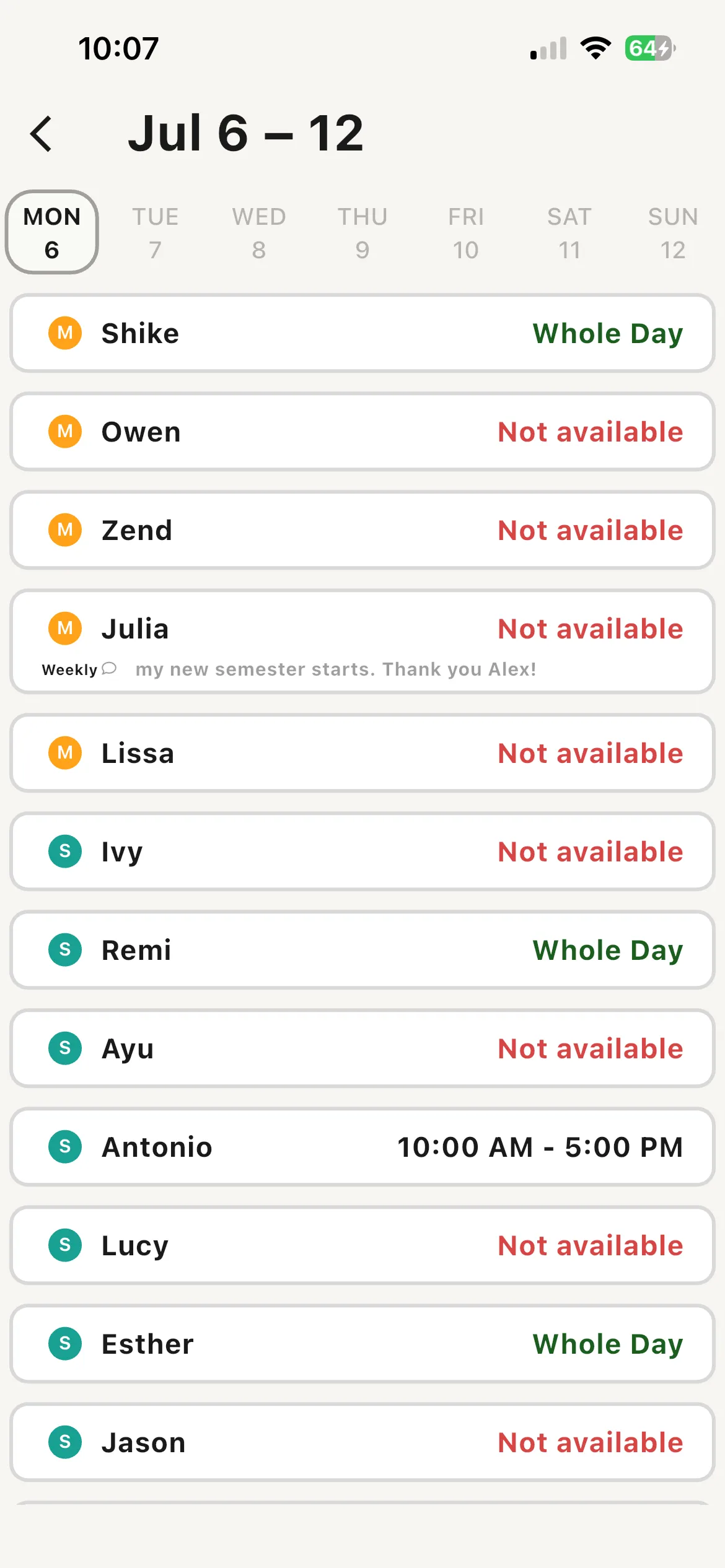
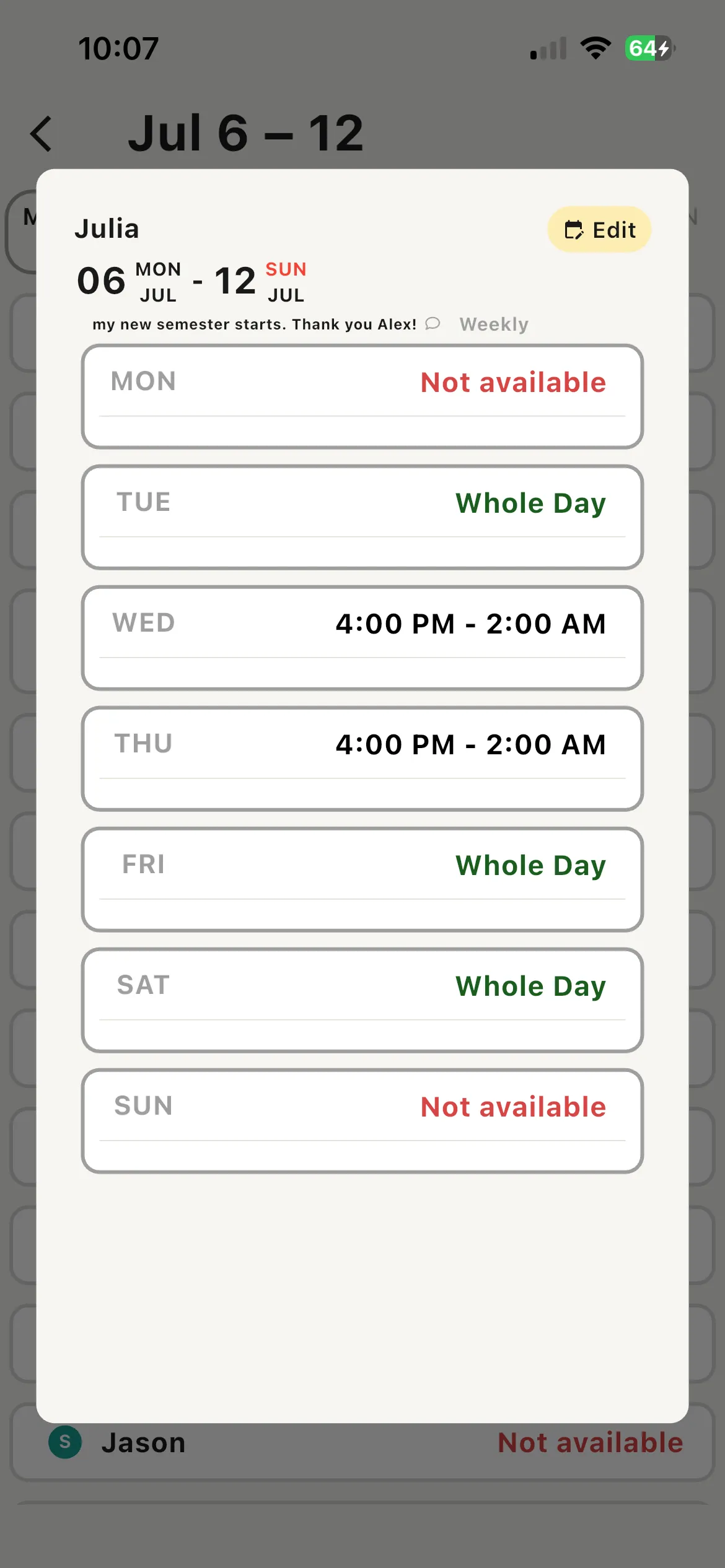
Gather availability by week, month or specific dates, then connect it straight to your schedule table so everyone’s availability is easy to read in one place.
Schedule draft
Sketch the blueprint
before you build.
Draft the blueprint of your schedule before you commit. With spreadsheet-like freedom on top of TetBee’s scheduling system, planning ahead is effortless.
Release schedules
Publish and share,
always up to date.
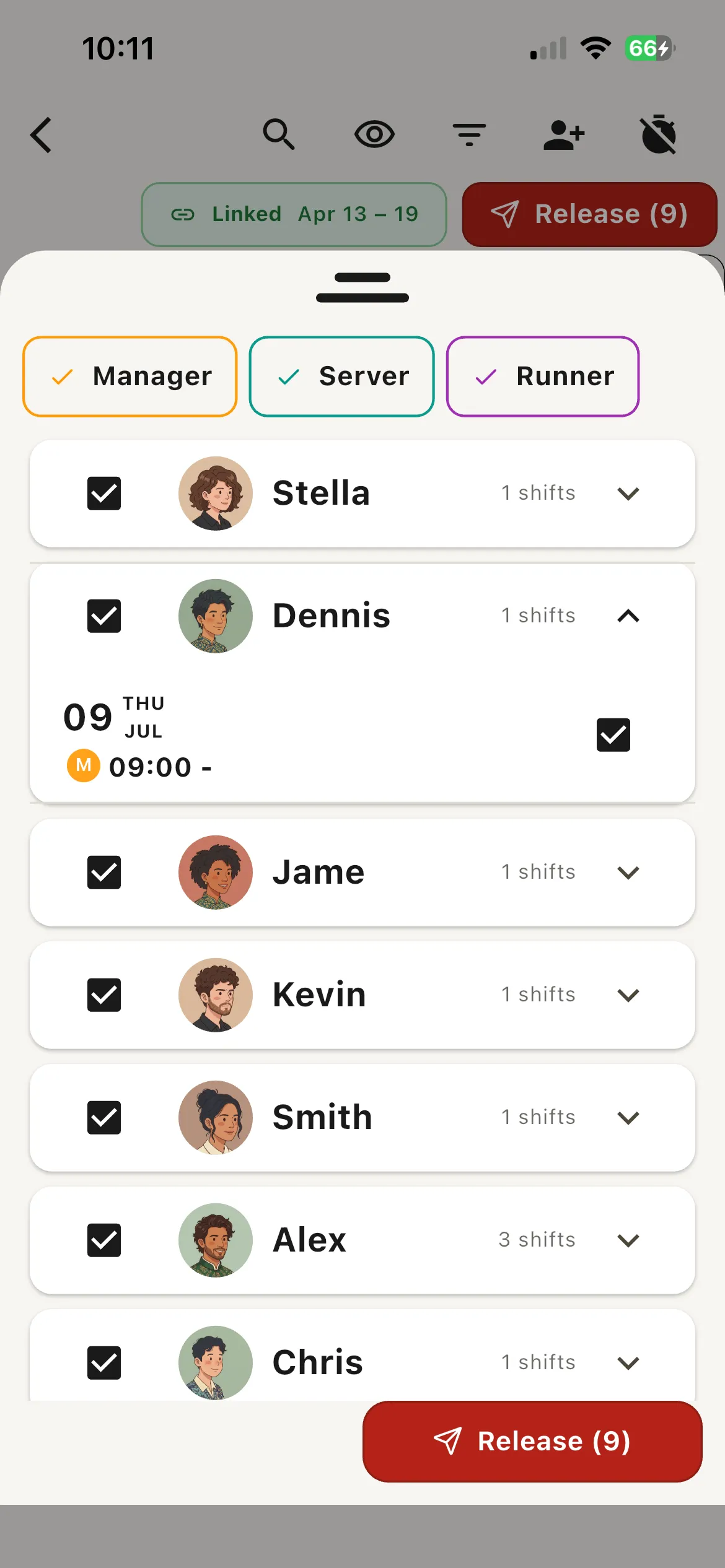
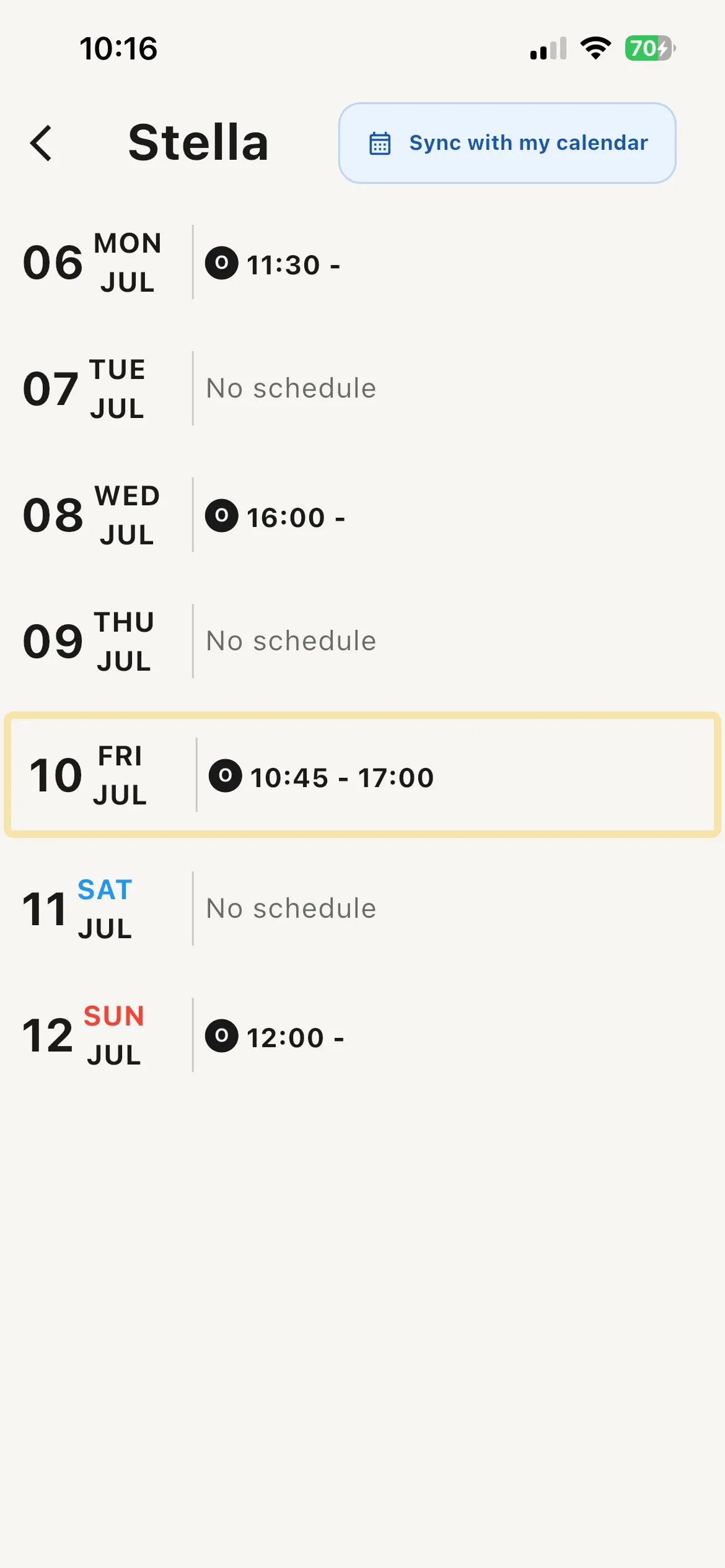
Release finished schedules and share them through the app or email, so your team always has the latest version in hand.
Time tracking
Track time safely,
calculate it automatically.
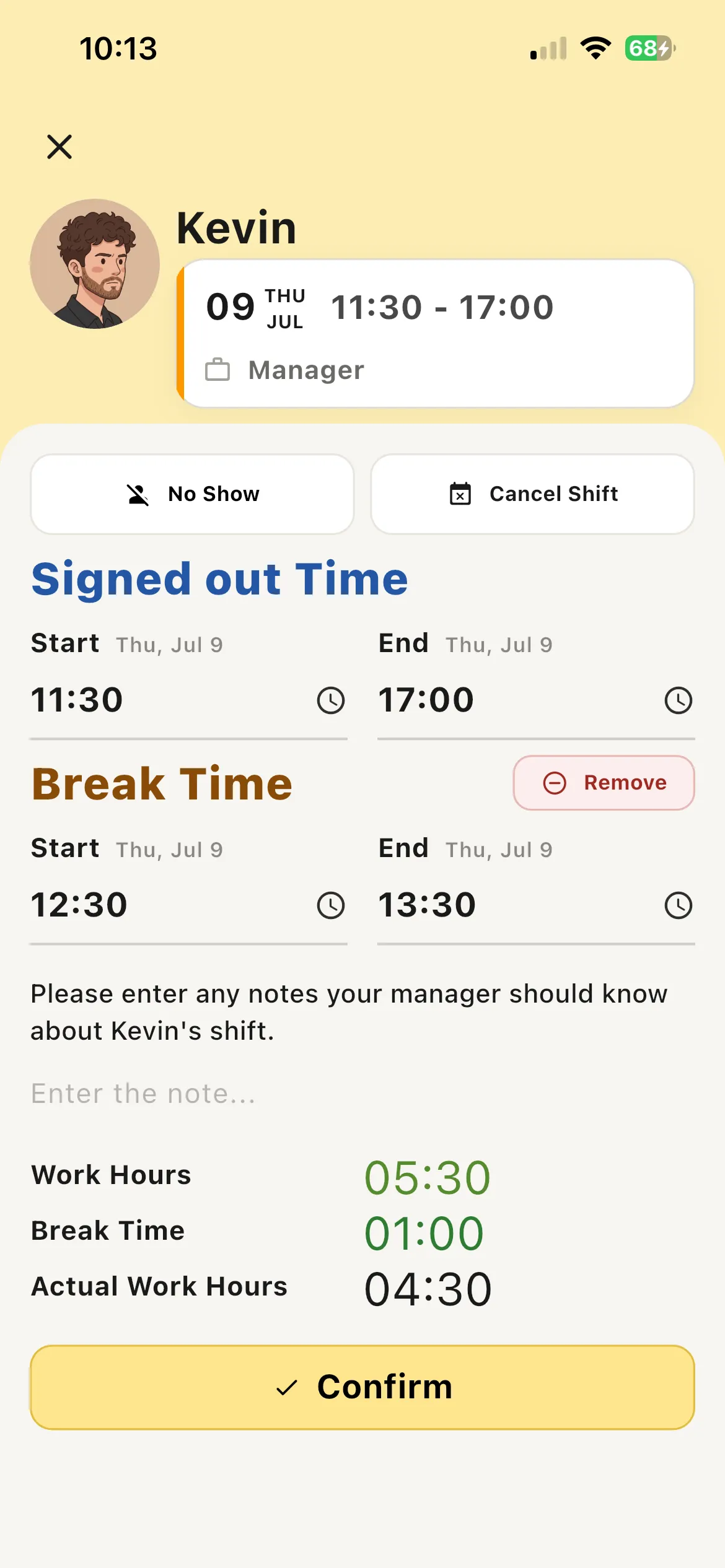
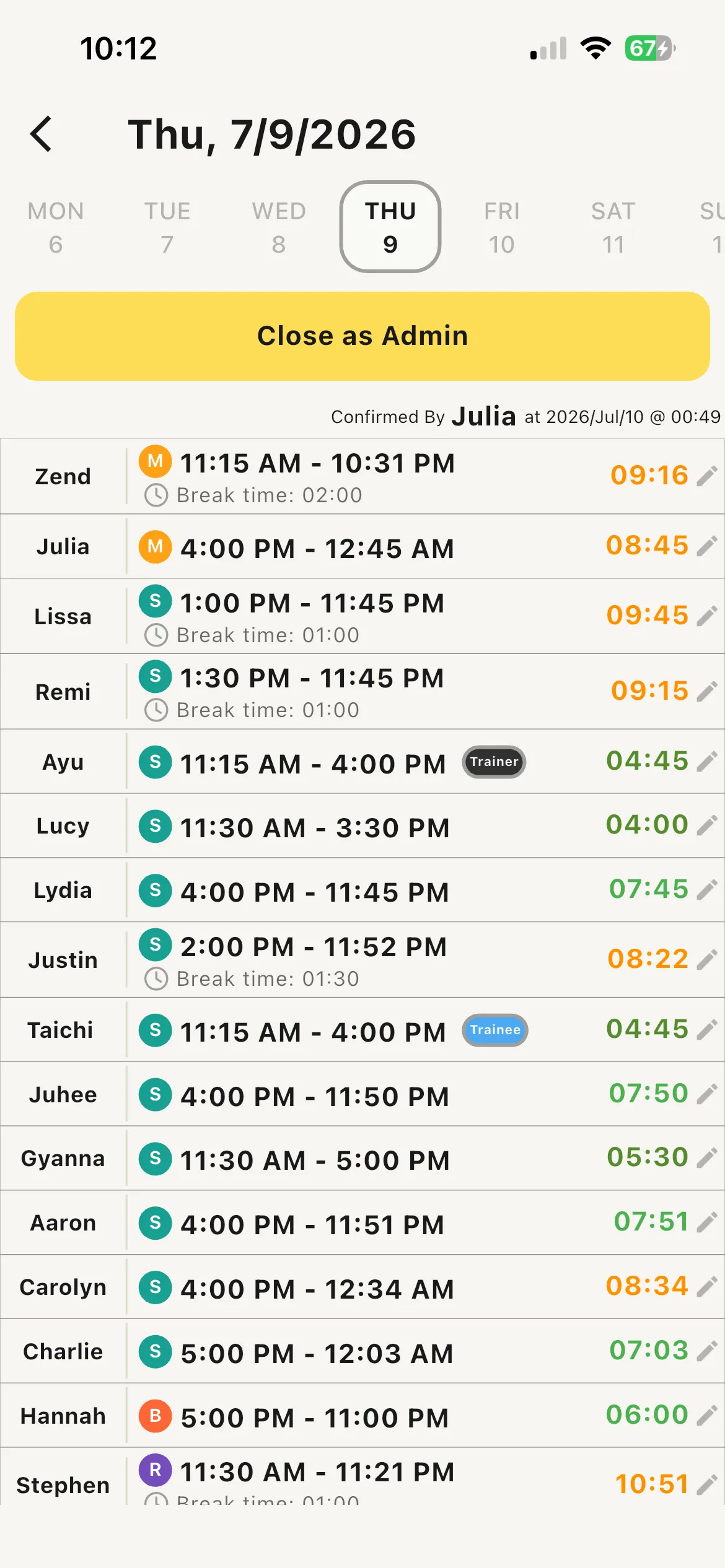
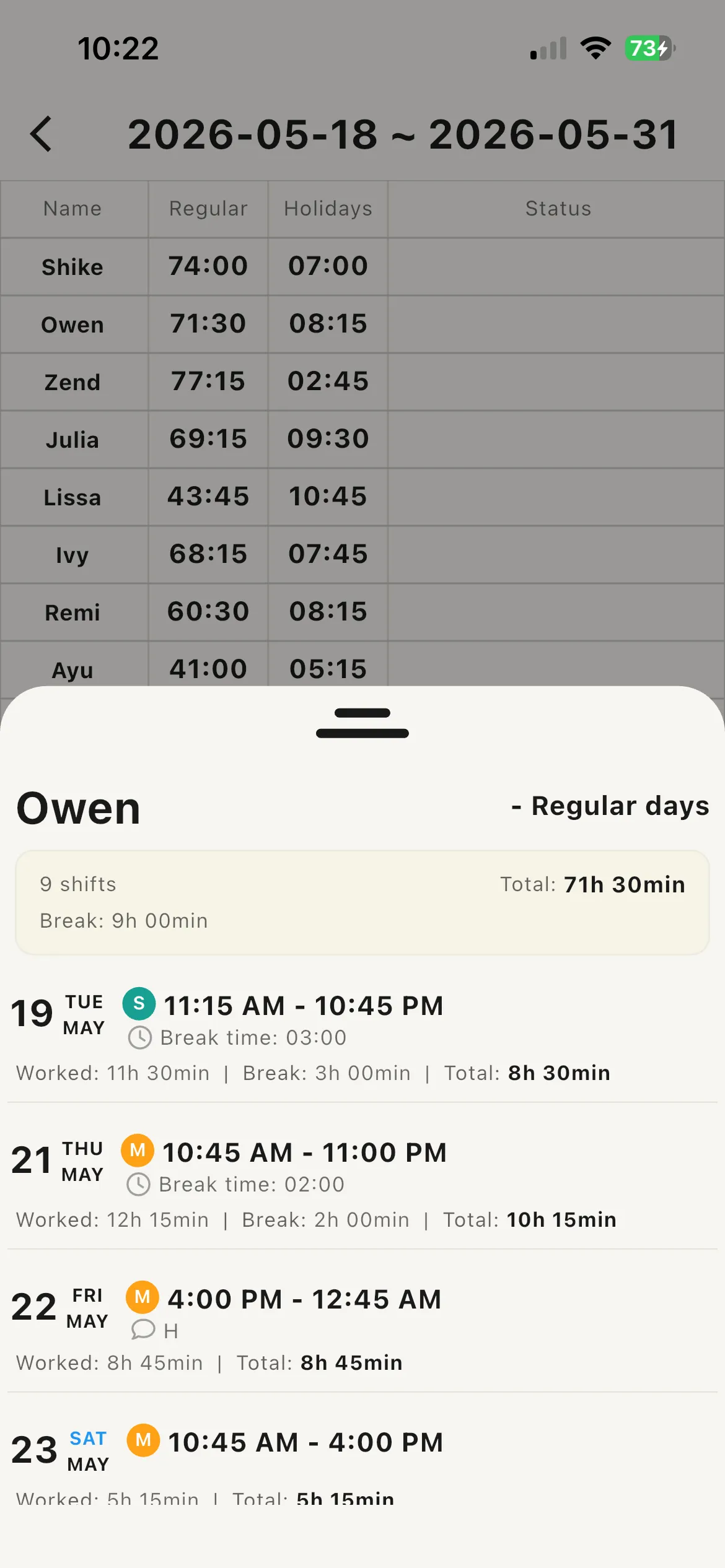
Have staff sign out of their shifts from the app and review them for safe, accurate time management — with automatic hour calculation built right in.
Ready to build better schedules?
Start free today — set up your team in minutes.
Get started, it's free!No credit card required.
Scan to download the mobile app